Open silver laptop on a white desk with a small orange spot glowing on the dark screen

Orange Spot on MacBook Screen? The 2026 Diagnostic & Fix Guide

Seeing an orange mark on your MacBook screen can feel scary, but take a breath first. Not every orange dot on MacBook screen displays means something is broken. There are two very different problems hiding under one search term, and they look nothing alike once you know what to check. A tiny, perfectly round orange […]

Continue Reading

Black gaming monitor with a blank screen on a desk with an RGB keyboard and mouse in a dim room

How to Fix LG UltraGear Monitor Not Detected or No Signal (The Complete Guide)

Your LG UltraGear monitor is most likely not working for one of three reasons: the wrong input is selected, the video cable is loose or doesn’t match your setup, or your PC has stopped responding. Start here: press the joystick or button under your monitor to open the menu, go to Input, and pick the […]

Continue Reading
Laptop on a desk with a black screen and hands resting on the keyboard

How to Fix a Laptop Stuck on a Black Screen (Even if it Won’t Turn Off)

Before you do anything else, try these two shortcuts. They fix a black screen more often than you’d think. First, press Windows + Ctrl + Shift + B at the same time. This tells your laptop to reset its graphics driver. You might hear a short beep or see the screen flicker. That’s normal. Wait […]

Continue Reading
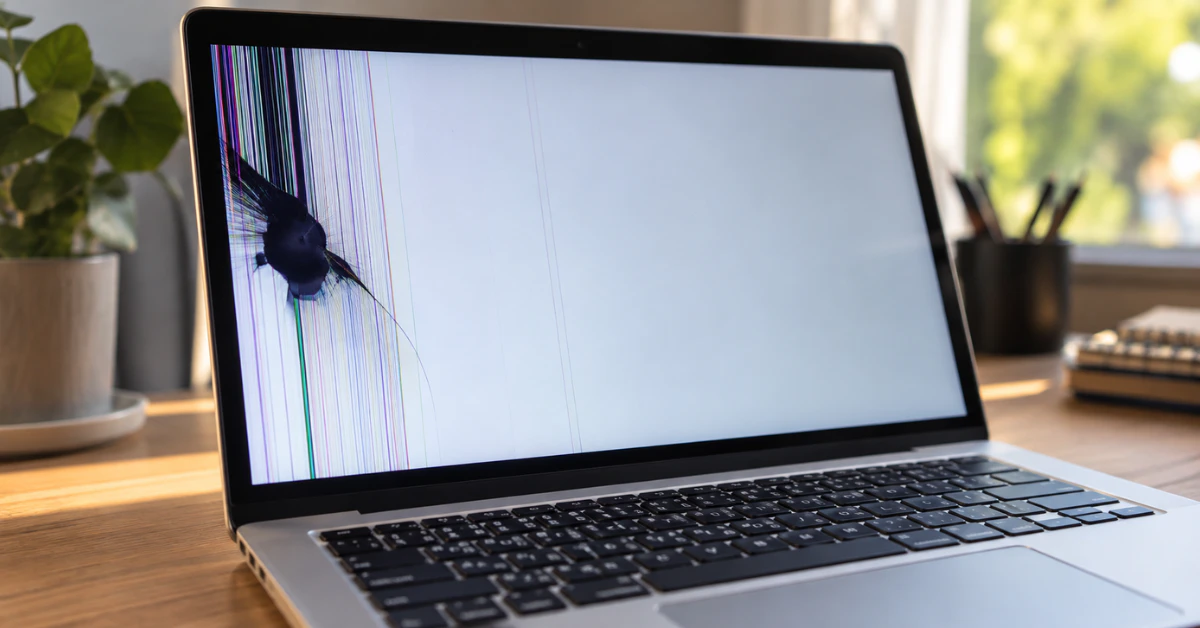
Laptop screen with a dark bruise-like blotch and colored lines, MacBook screen pressure damage

MacBook Screen Pressure Damage: Diagnosis, Repair Costs & The 0.1mm Rule

MacBook screen pressure damage happens when something squeezes or presses the display hard enough to crack or bruise it from the inside. You’ll see a dark blotch, colored lines, or a bright spot that stays put no matter what’s on the screen. It’s physical damage, not a software glitch, so no update or restart will […]

Continue Reading
Desktop computer monitor showing a blue color tint on a clean desk

Monitor Blue Color Problem? Don’t Replace Your Screen Until You Try These 7 Free Fixes

Most monitor blue color problems come from settings, not a dying screen. First, reseat or swap your video cable. Next, check Settings → System → Display → Night light to see if it’s stuck on. Then switch Nvidia or AMD’s HDMI color format back to Full RGB. Still blue? Reset your ICC color profile or […]

Continue Reading
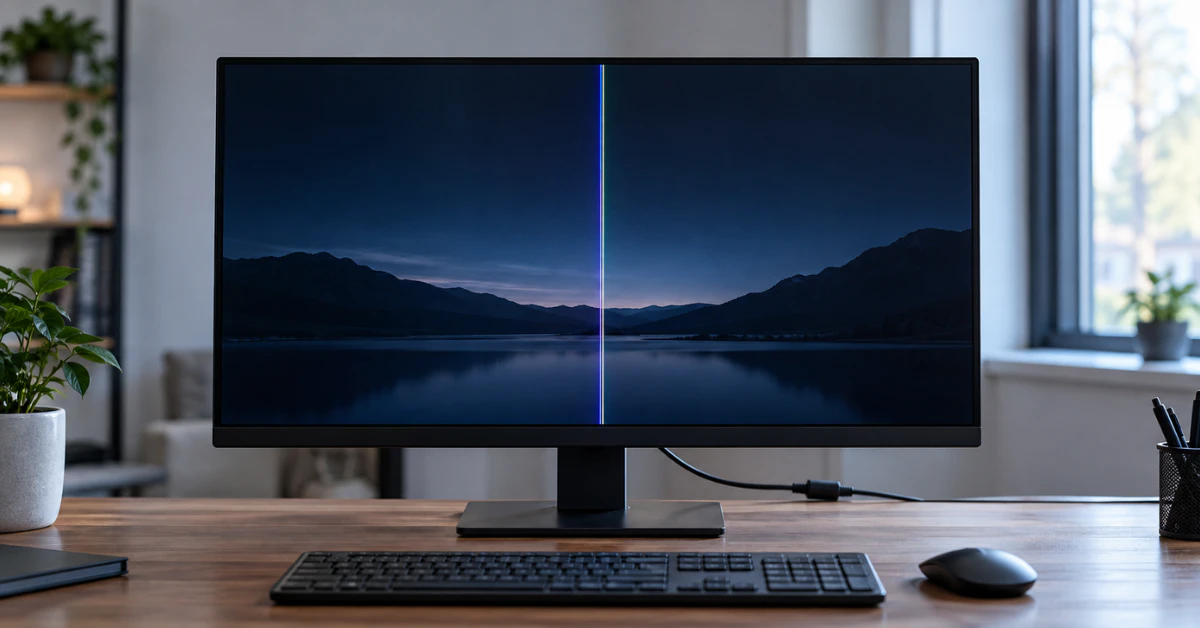
Desktop monitor on a desk showing a single bright vertical line down the screen

Vertical Lines on Your Computer Monitor? Try This 5-Minute Diagnostic & Fix Guide Before Buying a New Screen 

Push both ends of your video cable in firmly first. Still there? Unplug the video cable from the back of the monitor, but leave the power cord plugged in. Look at the floating “No Signal” box. If the line still shows up inside that box, your monitor panel has a hardware fault. If that box […]

Continue Reading
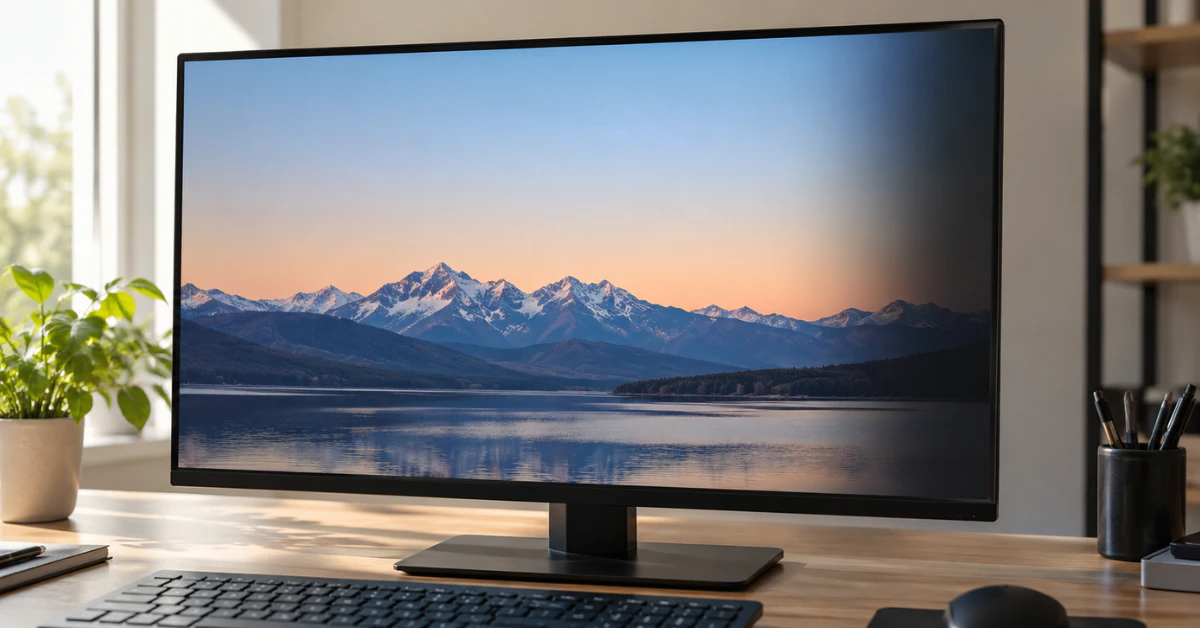
Computer monitor on a desk with a faint dark shadow along the right side of the screen

Shadow on Computer Monitor? 6 Proven Fixes to Clear Your Screen for $0 (Before You Replace It) 

Most of the time, a shadow on your monitor comes from a loose or cheap video cable (old VGA cords are the worst offender) or a docking station sitting between your PC and the screen. According to ViewSonic’s own support team, unplugging everything and connecting the monitor straight to your computer fixes it in most […]

Continue Reading
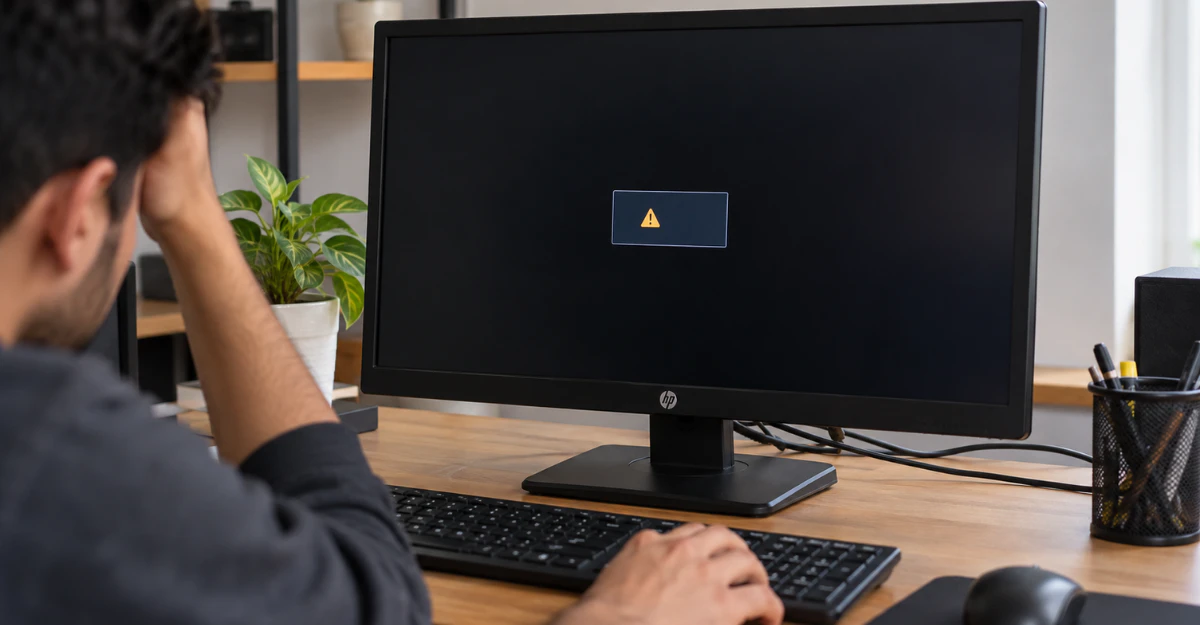
HP monitor showing a black screen with an input signal out of range error on a home office desk

Input Signal Out of Range Monitor HP: How to Fix It Fast on Windows 11 & 10 (Without Pressing F8) 

Input Signal Out of Range” means your PC is sending your HP monitor a resolution or refresh rate the screen can’t handle. Two fast fixes: unplug the monitor’s power cord for 5 seconds, then plug it back in. If that doesn’t work, go to your Windows sign-in screen, hold Shift, and click Restart. This opens […]

Continue Reading
Acer laptop with a black screen on a wooden desk while a hand hovers over the keyboard

How to Fix an Acer Laptop Screen That’s Not Working (Before You Pay for Repairs) 

A dark, unresponsive laptop screen feels like bad news. Take a breath first. In most cases, your Acer laptop is not broken. “Screen not working” usually means one of two very different problems, and the fix depends on which one you have. Path 1: Black screen. The laptop is on (you hear the fan, see […]

Continue Reading
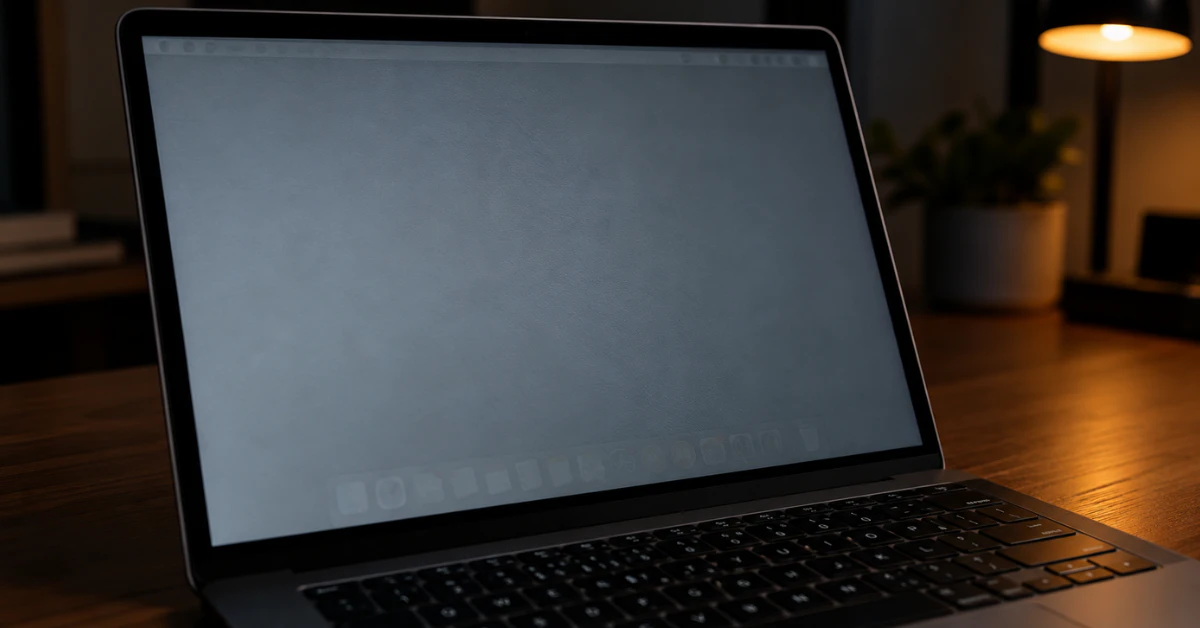
MacBook Pro screen showing a faint ghost image of the menu bar and Dock on a gray background

MacBook Pro Screen Burn Marks: How to Tell if It’s Ruined (and How to Fix It)

In most cases, a MacBook Pro screen burn mark is not permanent damage. It’s called image persistence, a temporary ghost image left by something that stayed on the screen too long. The fix is simple: turn the display off completely and let it rest overnight. Most marks fade within a few hours. Here’s the exact […]

Continue Reading